What Is a Headless Browser?

Understanding Headless Browsers: A Behind-the-Scenes Look
What Is a Headless Browser?
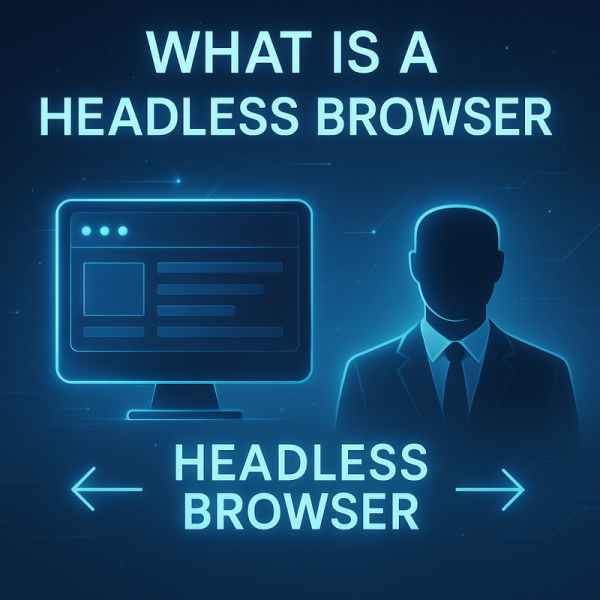
A headless web browser without a graphical user interface (GUI). Unlike traditional browsers that display content visually to users, headless browsers operate in the background, allowing developers and automated systems to interact with websites without any visible output. They still fully render web pages, including executing JavaScript and loading dynamic content, but they do so invisibly.
These browsers are widely used in automation, testing, and data extraction tasks where visual feedback isn’t required.
Why Use a Headless Browser?
There are several reasons developers and organizations turn to headless browsers:
- Web Scraping & Data Collection: Headless browsers can render pages exactly as they appear in a regular browser, making them useful for extracting content from websites that rely heavily on JavaScript. They are also a key component of modern web scraping, where browser rendering is combined with direct requests and unblocking technologies to reliably collect data from different types of websites.
- Automated Testing: Developers use them to run user interface tests in a controlled, non-visual environment. This helps catch bugs and validate functionality without manual effort.
- Performance Monitoring: Headless browsers help simulate user behavior for performance testing, ensuring web applications perform efficiently.
- SEO Verification: Since search engines use bots that resemble headless browsers, developers can test how their pages appear to these bots.
Popular Headless Browsers and Tools
Some of the most widely used headless browser tools include:
- Puppeteer: A Node library that offers a high-level API to control Chrome or Chromium in headless mode.
- Playwright: Created by the same team behind Puppeteer, Playwright supports multiple browser engines (Chrome, Firefox, and WebKit) and is great for automation.
- Selenium: Known for browser automation in testing, Selenium supports headless operation across different browsers.
Each tool has its strengths, but all allow users to interact with web content programmatically without a user-facing interface.
Headless vs. Headful Browsers
The key distinction lies in visibility:
- Headless Browsers operate without a GUI, ideal for automated environments and server-side operations.
- Headful Browsers have a complete interface, suitable for users and manual testing.
While headful browsers are better for real-time observation and debugging, headless browsers are preferred for speed and resource efficiency in automated workflows.
Final Thoughts
Headless browsers have become indispensable for developers and data professionals. By enabling interaction with web content programmatically and invisibly, they open the door to powerful automation capabilities. For more challenging websites, where anti-bot systems, fingerprinting, or access restrictions make browser-based collection difficult, a web data unblocker can provide a managed layer for maintaining reliable access at scale.
Frequently Asked Questions About Headless Browsers
Learn the fundamentals of headless browsers, how they differ from traditional browsers, and where they are commonly used. These FAQs cover web scraping, automation, testing, and some of the most popular headless browser tools.
What is a headless browser?
A headless browser is a web browser that operates without a graphical user interface (GUI). It can fully render web pages, execute JavaScript, and load dynamic content while running invisibly in the background.
Why are headless browsers used for web scraping?
Headless browsers are useful for web scraping because they can render websites much like a regular browser. This makes them particularly effective for extracting content from websites that rely heavily on JavaScript or dynamically loaded content.
What are the most popular headless browser tools?
Some of the most widely used tools are Puppeteer, Playwright, and Selenium. Puppeteer provides control over Chrome and Chromium, Playwright supports multiple browser engines, and Selenium is widely used for browser automation and testing.
What is the difference between a headless and a headful browser?
A headless browser operates without a graphical user interface and is well suited for automated and server-side environments. A headful browser provides a complete visual interface, making it more appropriate for manual interaction, observation, and debugging.
What can headless browsers be used for besides web scraping?
In addition to web scraping and data collection, headless browsers can be used for automated testing, performance monitoring, and SEO verification. They allow developers to interact with web content programmatically without requiring a visible browser interface.